4 Essential Tips to Protect Your Art Against Big Tech Overreach
Introduction.
Hi, I am Alexander and I am the Chief Technology Officer at Uncloud Storage®.
I know that no one wants to hear the standard, corporate, stuffy introduction, listing boring facts about my employment and my duties, so I will cut to the good stuff.
I have worked at the intersection of technology and creativity for my entire career. I have applied my talents in a wide range of environments ranging from IT and Software leadership in game development, to the data lead for a feature film, to tech consultancy for creative businesses. As to my formal education, I have a BS in Business Administration and an MS in Information Systems & Cybersecurity.
Besides my tech duties, I love taking photos. In fact, as I sit here writing this, I am looking at my mirrorless camera, happily charging, after a long day shooting in our beautiful Rocky Mountains, just a stone’s throw from the office. My favorite subject is the natural world, in any respect. I love the beauty and power inherent to nature, and I seek to capture those qualities in all of my photography.
As always, this article was entirely written by a real human, imperfect prose and all, absolutely no AI was used. This is the real deal, full stop.
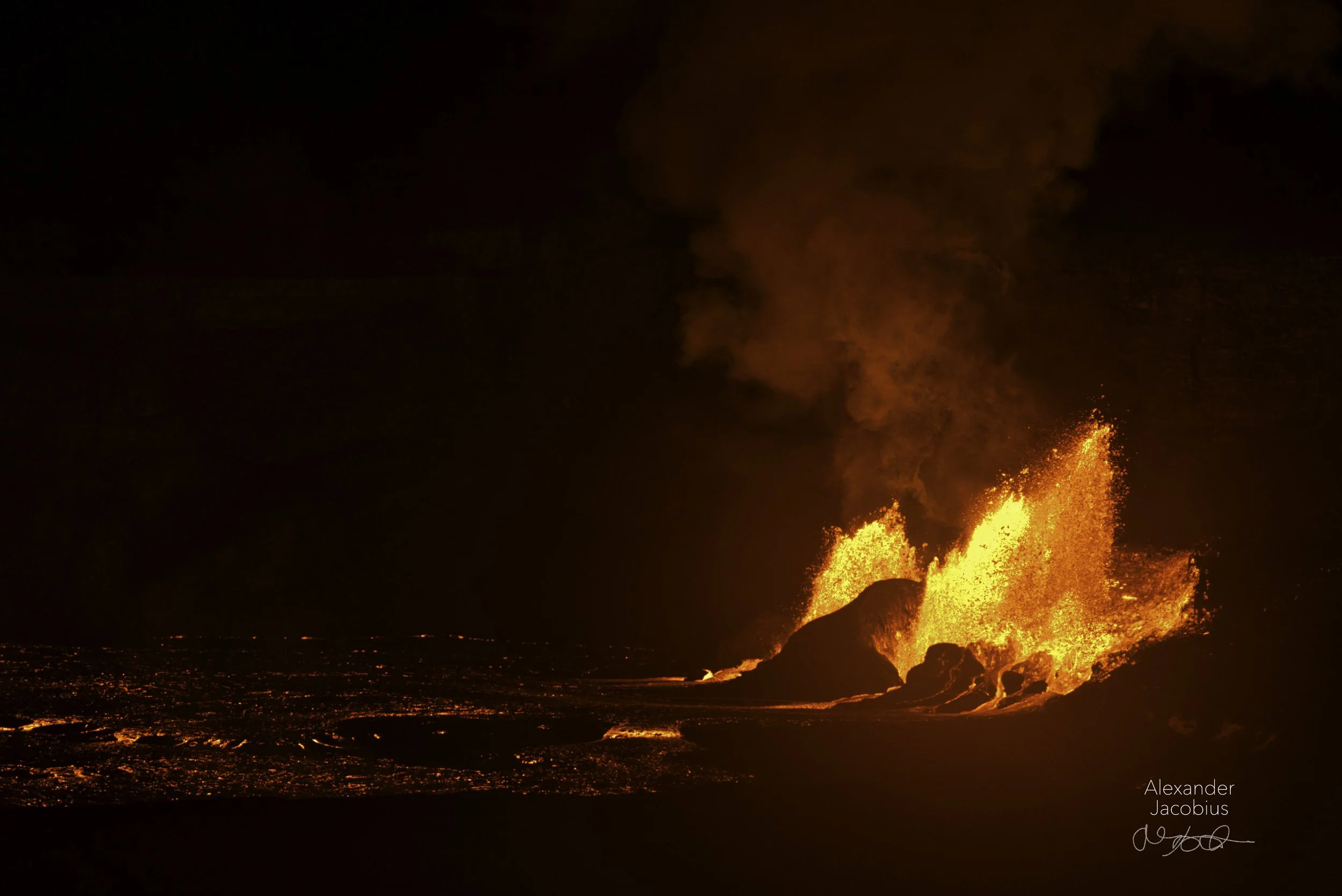
Kilauea Under the Stars
by Alexander Jacobius
I shot this photo when I was last on the island of Hawaii for a wintertime visit. I was sitting on the lanai overlooking the warm Pacific ocean when I got news that Kilauea was erupting. I grabbed my camera, jumped in the car, and set off on an all night adventure.
But enough about me, that is not what anyone came here for.
You are here for insights on big tech overreach, and what you can do about it as an artist.
What is Big Tech Overreach?
To me, big tech overreach is when a massive tech company exploits its position to take actions that are bad for society.
As of early 2026 when I am writing this, massive tech companies are tripping over themselves to spend as much as possible on AI with no regard to what can of worms they are going to open. They are actively stealing creative intellectual property made by artists like us, to shovel into the limitless maw of their ever consuming digital colossus.
Why are they doing this? To my understanding, the thinking is, if they can develop a computer system that is capable of doing all tasks as well as a human can, they have no need to spend some of their billions on paying real humans. It has even progressed to individual artistic styles being analyzed and cloned by special purpose AI models, in a process the tech bros call “style mimicry”.
I won't pretend to be a philosopher or a sociologist, but a world where all creative work is automated would be disastrous. There would be no more photographers, or graphic designers, or musicians, or film directors. All art would be commoditized, on demand and the sum total of all creative activity would be talking to a blank, white, soulless, prompt box.
Blegh, that idea freaks me out just writing about it.
I don’t like the idea of big AI replacing human artists.
What Can We Do About It?
We know that big tech AI can only work from what it has seen, and has to be constantly fed more human created data to evolve.
This tells us what we need to do, to pump the brakes on big tech overreach.
If we stop supplying data to the colossus, it will not be able to develop, and will not be able to replace us.
How do we as artists go about doing that?
4 Essential Tips to Protect Your Art
1. Use The Principle of Limited Exposure.
Since we understand that big AI needs to be constantly fed new data, our first port of call to protect our art is to check and limit how much of our art is exposed to products and systems that are aligned with big AI.
To make it easier to apply the principle, I would start with making a list of what services currently have access to your art, in any capacity. Make sure not to overlook any exposure, no matter how small.
Next, I would read the privacy policies of each digital service, and look for red flags, such as mentions of generative AI, or vague data use disclosures. One area I specifically look for is if the privacy policy feels ridiculously long. If so, the company is probably trying to bury something unsavory under a pile of legal speak.
If it smells off, it probably is off.
If the service has red flags, rank the digital services based on creepiness in terms of 0, 1, 2, or 3 screams 😱.
Finally, go through your list and rank the digital services based on importance to your studio in terms of 1, 2, or 3 stars ⭐️.
When you are done, you should have a complete list of all digital services and platforms that are exposed to your art, categorized by how creepy or important they are to your business.
To make this task feel less like pulling teeth, I put together a spreadsheet+analyzer that can make checking your AI exposure a snap.
I even made a simple chart to help you decide whether you should keep, cut, or find an alternative for each digital service.
2. Avoid the Biggest AI Theft Offenders.
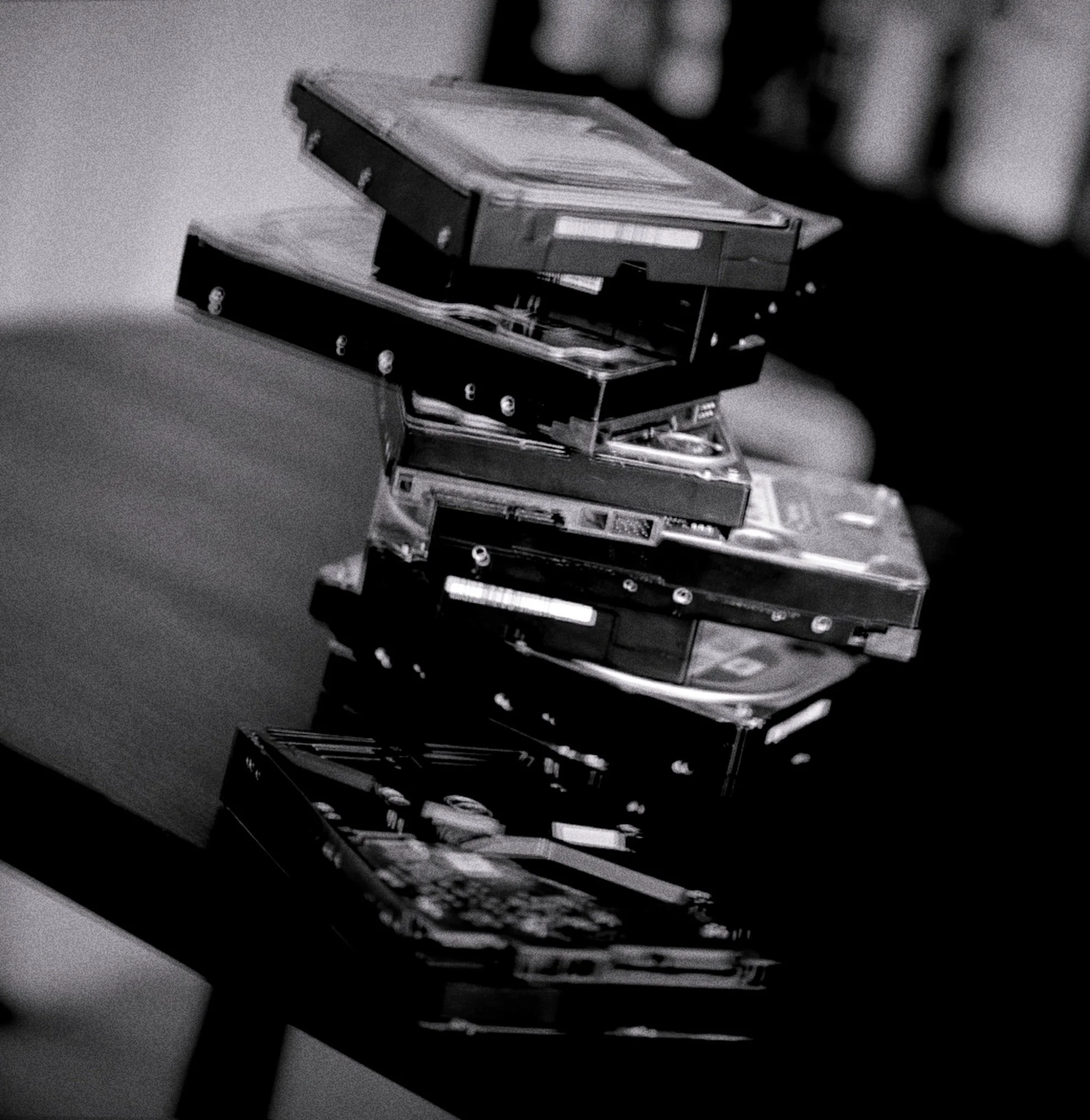
Now that we have checked and rated how exposed your art is to big AI, we need to decide what services must be cut or replaced with an alternative. The first place I would look to limit my AI exposure is the cheap big cloud.
I know what you are thinking, “how surprising, the CTO of an anti big tech secure cloud company is recommending against the big cloud”, but hear me out.
All cloud data storage options store the art you upload in purpose built datacenters, on racks of server-computers, filled with whirring hard drives. I won’t beat around the bush, I know for a fact that building a state of the art data storage facility is costly (at Uncloud Storage we built our own private cloud, from scratch).
Keeping that in mind, if you ask yourself how the big cloud is able to offer huge amounts of storage for just a couple of bucks a month, a disconnect starts to form.
How is the big cloud paying for all of this?
The answer is simple, for big tech, the big cloud is just a means to an end. Their massive profits.
What do I mean by this? When you upload art to the big tech cloud, it isn’t just being stored, it is being disassembled, and data mined, until its useful data can be consumed by the digital AI colossus.
In the big cloud, your art is shoveled into sentiment analysis algorithms, smart advertising engines, and AI models that are focusing all of their power on replacing you. Most of the big cloud operators aren't even profitable on their cloud storage division. They profit from all of the other value that they extract from your art.
If I were you, I would avoid these options like the plague, unless I had no other choice.
Now that we have the information on the big offenders, along with the AI exposure chart, we can now decide what services need alternatives, what services must be kept, and what services can be cut.
3. Use Encryption to Your Advantage.
I understand that when computer experts talk about encryption, it makes people’s eyes glaze over. (I have seen it first hand) Obscure acronyms and tech jargon swirls through the air, leaving normal people completely baffled at what the expert is actually telling you to do.
Let me clear the air, banish the tech jargon, clarify the concept, and explain how it can protect your art, in a way that is finally, actually understandable.
What is Encryption?
Think back to grade school, odds are that one of your classmates knew and used “pig latin”. If you were anything like me, you probably couldn’t understand it until you learned the way the words were scrambled. Once you knew the rule, unscrambling what your classmates were talking about was easy.
Computerized encryption works in a very similar way, let’s pretend that you and I are computers, and we want to have a conversation, without anyone eavesdropping on what we are talking about.
First, we both need to decide on what set of rules we are going to use to scramble our conversation.
Computers have many sets of scrambling rules. As time has gone on, the rules have become more complex to become harder to break. In our conversation, we don’t know who is listening, so we decide to use the best rules available.
In early 2026, the best standard scrambling rule (the computer experts call this an encryption algorithm) available is called “AES-256”.
Now that we have decided on the scrambling rules we are going to use, since anyone could have the rules, we need to agree on an additional password, or encryption key, that we will use to customize our scrambling rules, so nobody else can listen in, unless they have the key.
Great, since we both agreed on a combination of key and scrambling rules, we can now start talking. I pass what I am going to say through our key+rules scrambler, and that combo bends, twists, and mixes up what I am saying, making it unintelligible to any eavesdroppers.
You now hear my scrambled words, and pass that through your matching key+rules unscrambler, which organizes, untwists, and straightens the scrambled words, so only you can understand what I am saying.
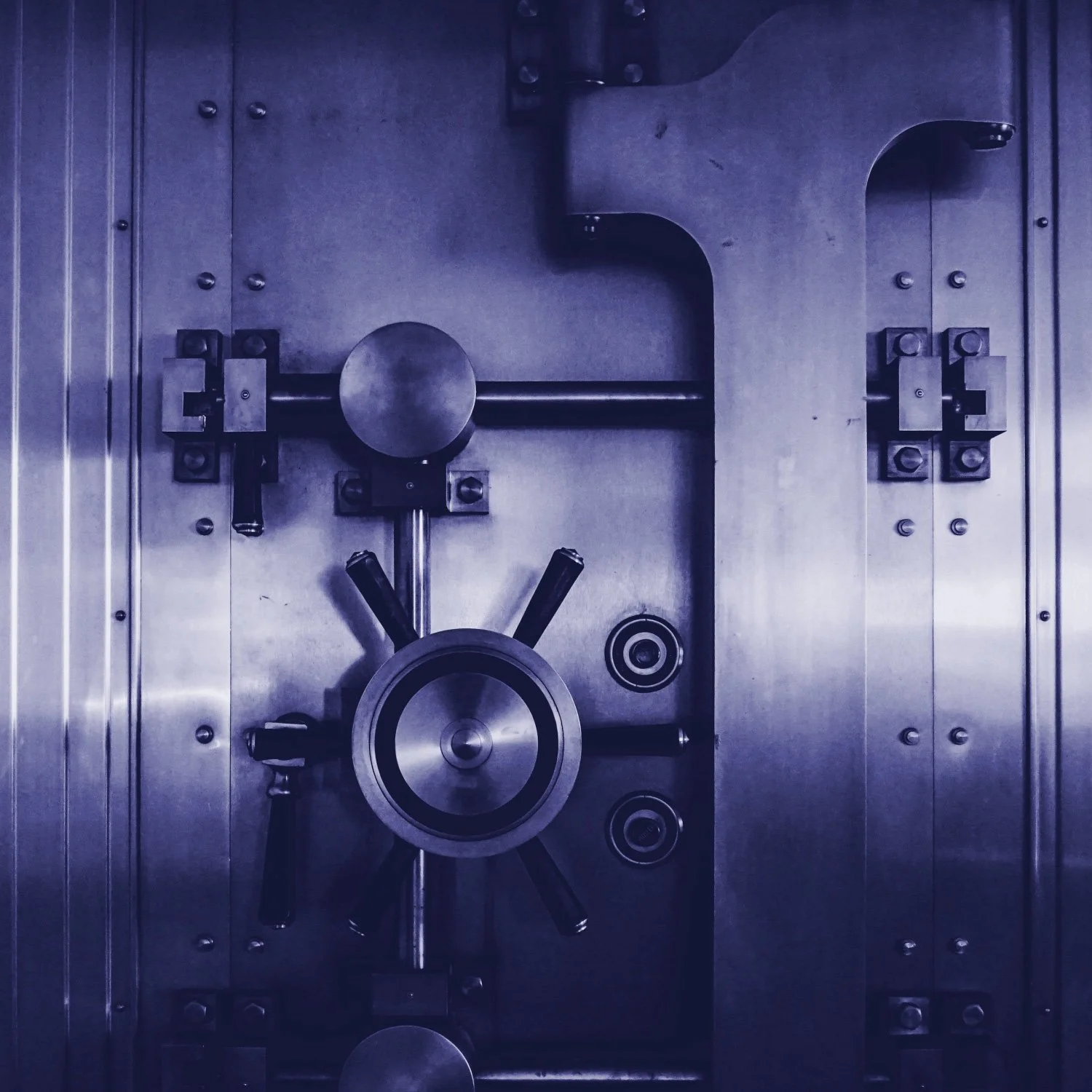
Think of encryption like a digital bank vault for your art.
How does this protect my art?
Going back to what I said before, we understand that big AI needs to be constantly fed data, and that many digital services willingly feed your data to big AI.
If you find yourself in a position that you need to use one of these 3-scream services to store or share your art, you should encrypt your art before you give it to the service.
When the service tries to shovel your encrypted art into their AI colossus, you now have the upper hand. Since your encrypted art is protected from eavesdropping, the big AI model can’t consume it, and cannot learn how to replace your unique art style.
How should I get started?
If I were you, I would start by doing research on open source encryption tools. There is a huge variety of free, open source software tools available for both Windows and macOS that are able to encrypt files.
To go along with this, I made a free tutorial that teaches you the actual, simple steps to encrypt your art, using tools available on any computer.
I would put this into the article, but I don’t want to go into the exact steps online, because I don’t want big AI to learn what I will teach you.
4. Store Your Art on AI Resistant Systems
The final application of all of these principles is to store your art on your own AI resistant data storage system.
Once again, I am sure you are thinking “there he goes, now I have to read the written equivalent of a tv ad”. My aim here is to educate by sharing my knowledge, so once again, I request that you hear me out. Everything I recommend here, you can do yourself.
A good AI resistant storage system should leverage the best parts of both local and cloud storage.
It should also ensure that any art uploaded stays private and protected against cyberthreats as well as data loss.
If I was designing the fundamentals of a DIY AI resistant art storage system, I would start with a reliable local backup of the data, on one or more disks.
I would ensure that all of that data is encrypted with the strongest rules available.
I would then set up automated encrypted backups to the secure cloud of your choice, just to make sure the data stays protected in more than one place.
After this is all set up, you need to continuously verify that the backups are all stable, and free of corruption while staying ever vigilant against cyberthreats.
When you are setting this up, make sure to keep extra-detailed documentation for future reference, just in case you ever need to tear into the system for maintenance.
One last thing, don’t over look the abundance of free and open source software that can help you along the way.
That is the long and the short on the 4 places I would start when trying to defend your studio from big AI overreach.
I was going to add a few more extra potent tips that detail exact methods to defend your art from big AI and style mimicry, but I didn’t want big AI to learn from my advice, and implement countermeasures against what I will teach you.
Instead, because I still want you to have this knowledge, I put together a free pro resources document that contains the Principle Of Limited Exposure Chart, the Art Encryption Tutorial, and 3 more, extra advanced, AI defense tips.
With this document, you will learn:
How to edit your digital art to make it useless to big AI, and stop style mimicry.
How to strip data from your photos to prevent big AI training.
How to defend your website against big AI scraping.
Here is a quick preview of some of what you will get:
I had to blur out the knowledge, so big AI cant learn from this short sample.
Put in your name and email below, and I will securely send you the full un-blurred resource.
You may be asking yourself, how do I know about all of this.
The answer is simple. This is the bread and butter of what all of us at Uncloud Storage can do for your art studio.
We mastered encryption, battled building our own private cloud, and designed state of the art AI resistant systems to automatically protect your art from AI theft.
Why do we do this?
The sole purpose in what we do, is to ensure the continuity of the human spirit, especially when it is under threat.
If you would like to learn more about how Uncloud Storage can defend your art against AI theft, without breaking the bank, please get in touch with one of our real human creative workflow advisors.